Contents
Documentation
Transitland Global Transit Map
The Transitland Global Transit Map enables users to pan and zoom across thousands of bus, train, ferry, cablecar, and funicular routes and the stops they serve.
The map is updated on a daily basis from the latest active versions of GTFS source feeds.
To explore routes
Use your mouse cursor to explore routes. Hover over one or more routes to see their names appear in the tab panel:
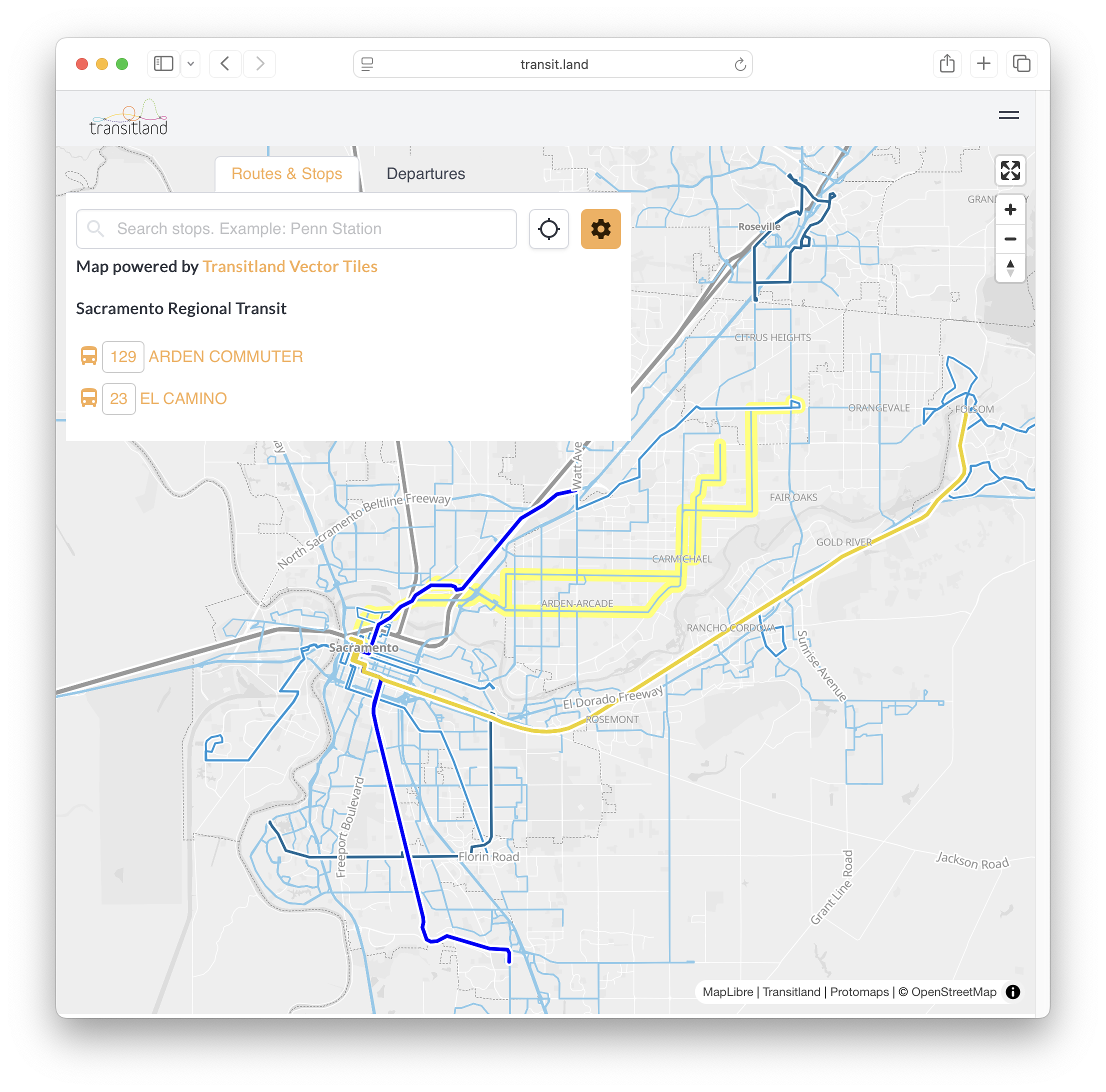
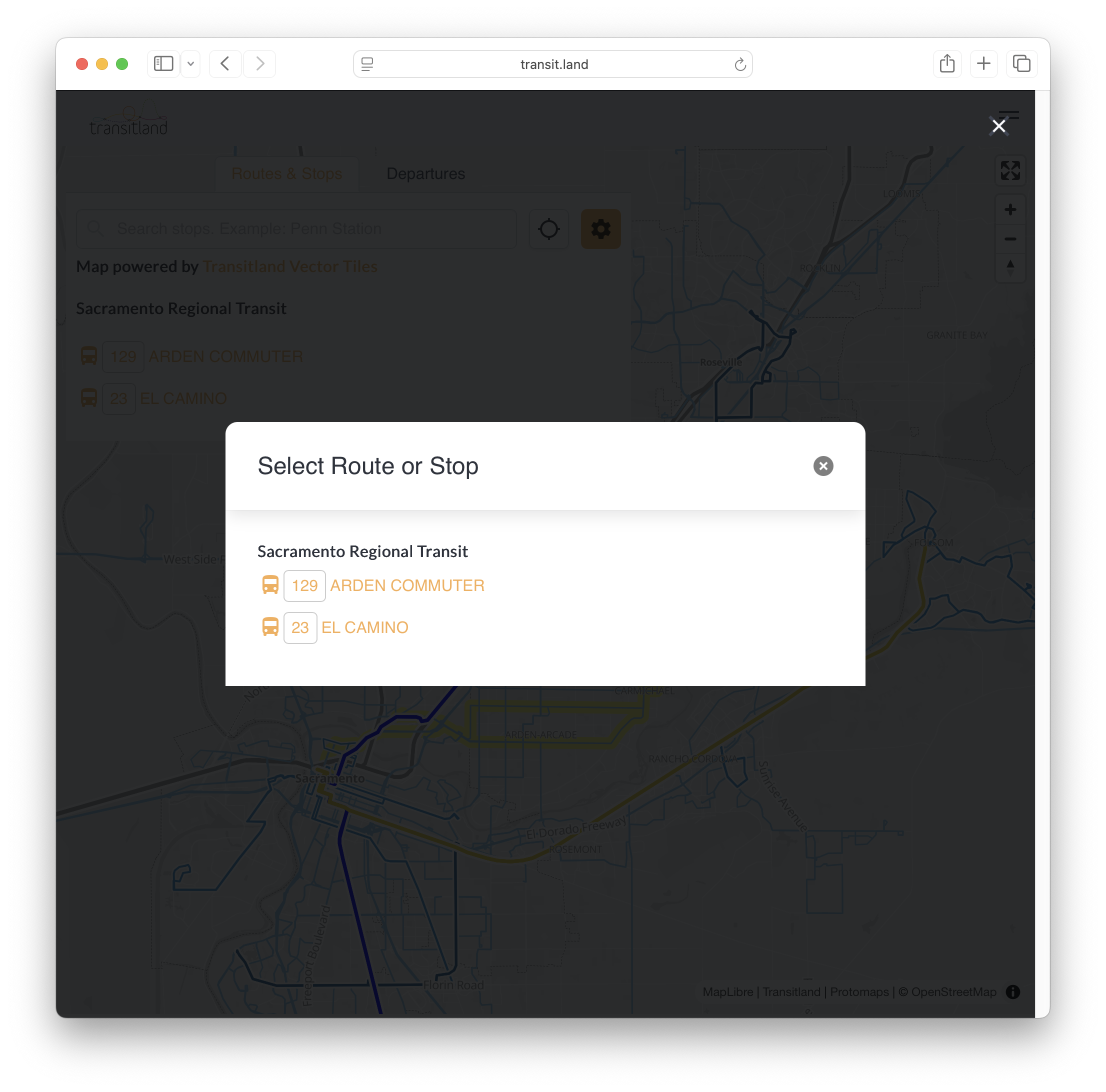
Click to pull up a list of the selected routes. Now you can click again to access the route detail pages:
To explore stops
Stops become visible when zooming in closer to the map.
Hover over a stop point to see its name in the tab panel:
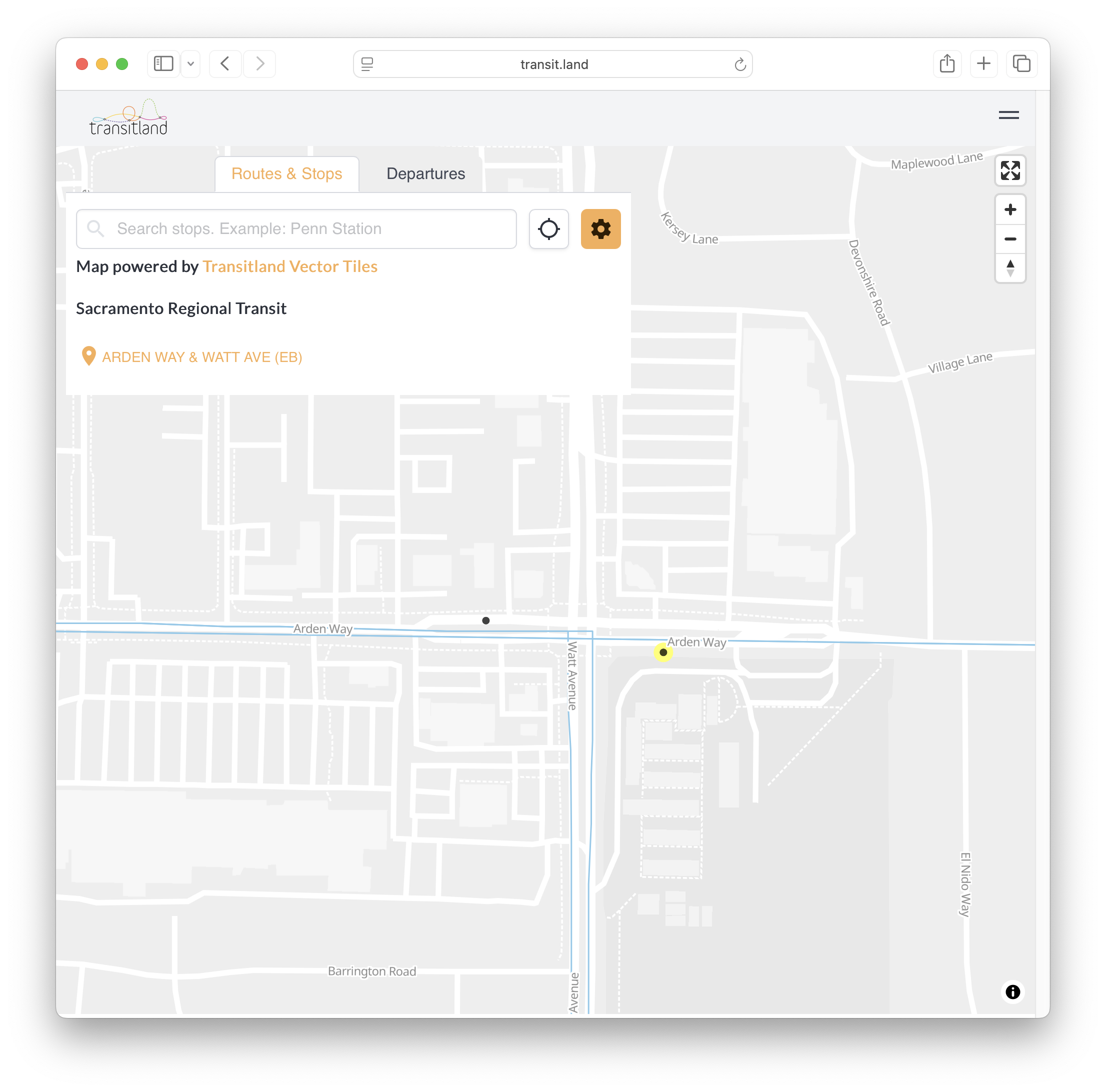
Click in order to access the picker modal dialog, which will allow you to access a stop detail page.
To change map settings
Click the gear icon to access advanced settings:
- Show stop-to-stop geometries will draw straight lines between stop points for routes that do not include shapes.txt in their GTFS source feeds. If unchecked, these routes will not be displayed.
- Show problematic geometries will show route geometries that may be incorrect or messy.
- Stop types by default shows stops with
location_type={0,1}(stops/platforms and stations). Optionally change which types of stops are visible on the map, including entrances/exits, generic pathway nodes, and boarding areas.
To see real-time departures
Sign into a free Transitland account.
Then click on the map to select the location from which you want to see nearby departures:
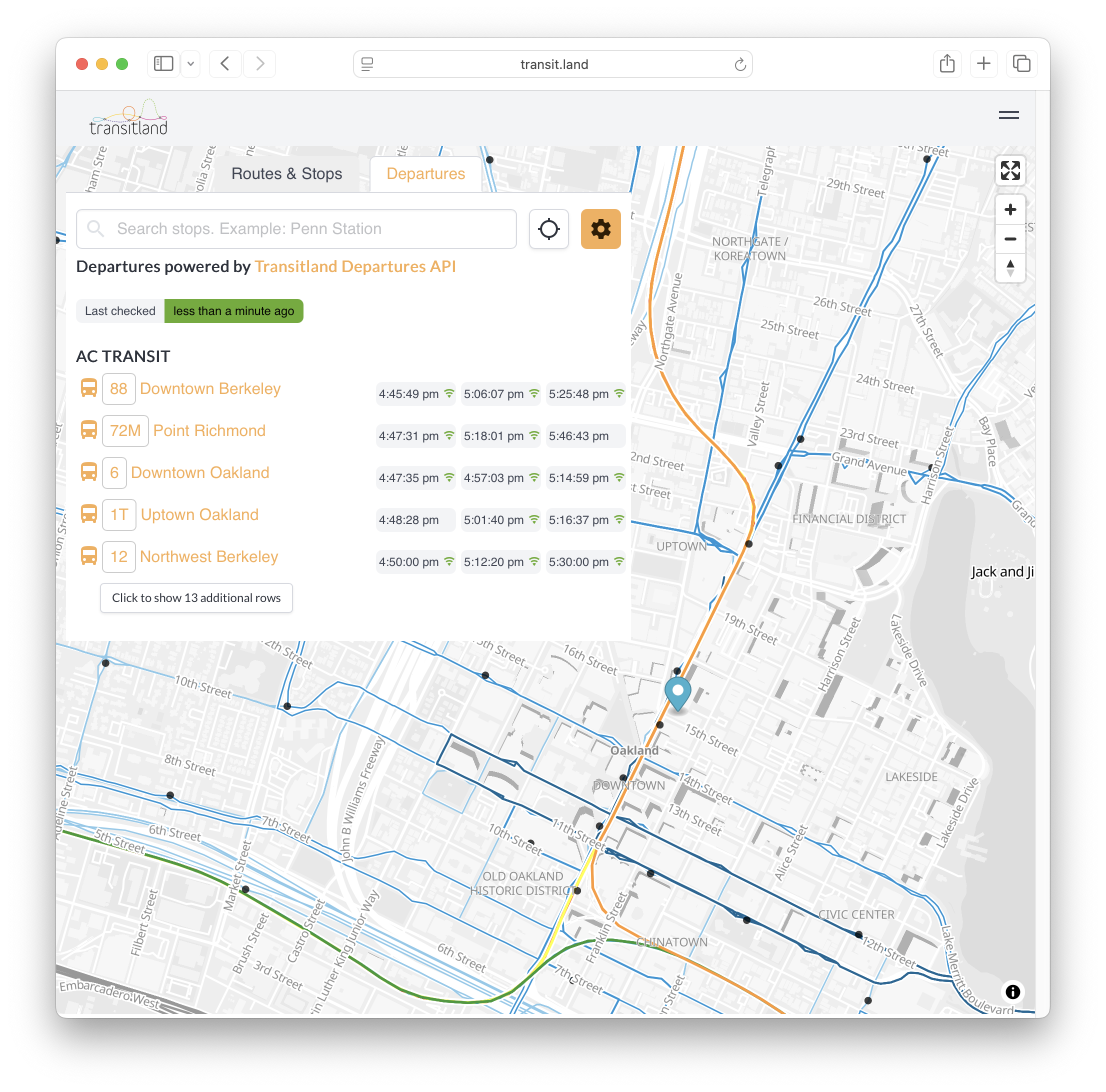
This functionality uses the Transitland v2 REST API stop departures endpoint.
For developers
The route and stop layers of the map come from the Transitland v2 Vector Tiles API.
The base map comes from Protomaps, and is created from OpenStreetMap data.